
Manual / Getting Started
Welcome to OpenFollow
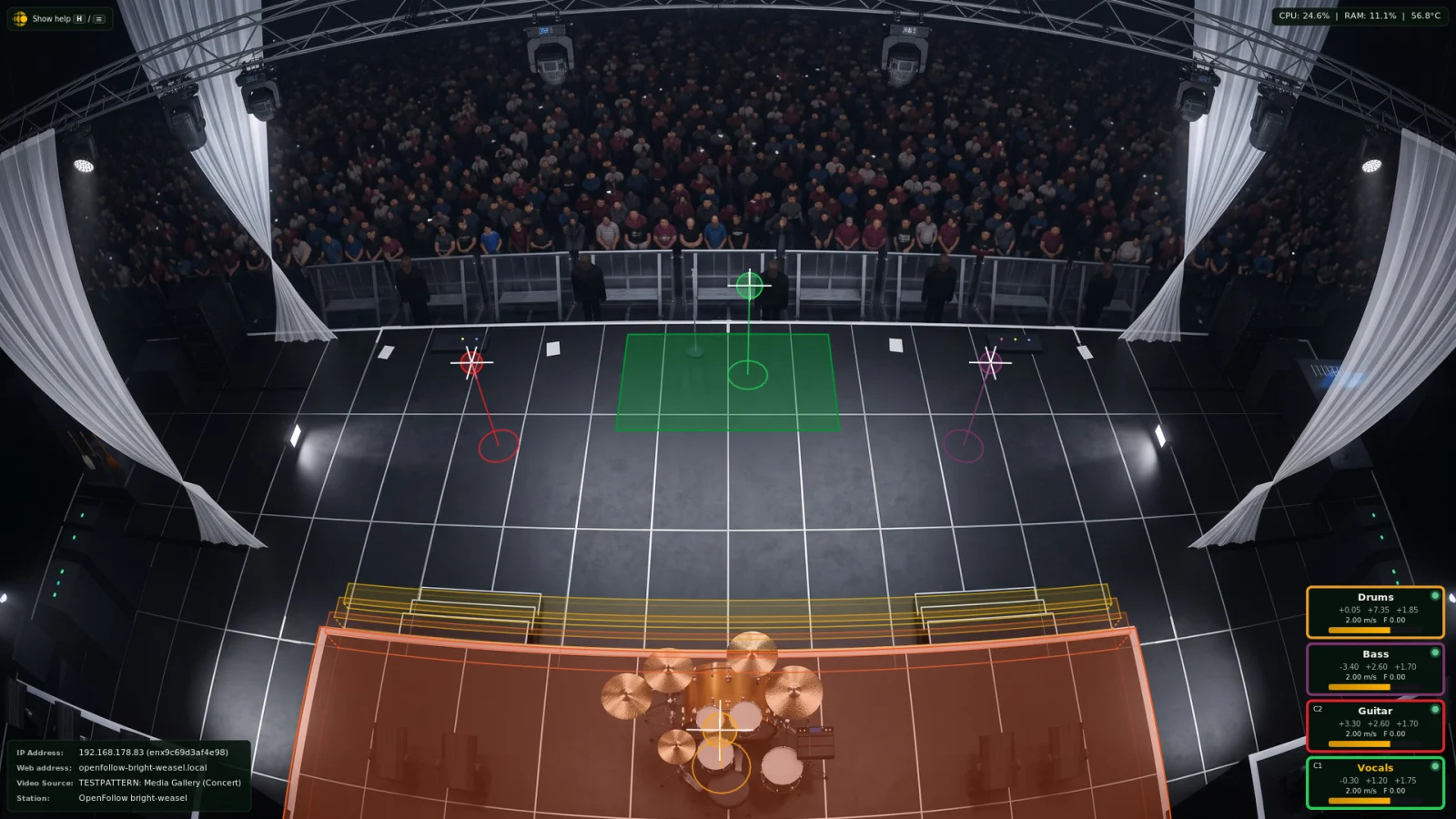
OpenFollow is open-source software for tracking people and objects on stage. It produces real-time 3D position data and broadcasts it over open protocols – PosiStageNet (PSN), Object Transform Protocol (OTP), Open Sound Control (OSC), and Real-Time Tracking Protocol (RTTrPM) – so your existing lighting consoles, media servers, and audio processors can react to performers as they move.
This manual walks you through installing OpenFollow, calibrating a camera, configuring video and control inputs, and wiring its output into a show control system.
Safety note. OpenFollow is intended to coordinate visual and audio elements of a production. It is not a safety-critical system and must not be used where a tracking error could cause harm.
Where to start
- Try It Out. A running station in about ten minutes, with a sample stage picture instead of a camera.
- Quick Start. Your own camera, calibrated and sending PSN.
- Your goal. Follow one of the paths below.
The terms used throughout the manual are explained in Core Concepts.
What do you want to do?
Move lights
Moving heads follow a performer as a followspot.
- Following a Performer
- Output Protocols
- Your console: grandMA3, grandMA2, ETC Eos or ChamSys MagicQ
Drive media and audio
Media servers and spatial audio use the positions.
Fire cues from zones
Cues go when someone enters, leaves or stays in an area.
- Zone Occupancy Detection
- OSC Destinations
- Person Detection Experimental, for zones without an operator
Planning several operators or stations, or a monitor for the designer at FOH? See Common Setups.
Every chapter is listed in the menu, and the search box at the top finds any setting by name.